
Attendance Management System
The Problem
This is a personal project of mine: an electronic system for managing student absences using RFID, built in September 2025. The underlying pain point is a familiar one in Albanian universities: attendance is tracked manually or loosely, and students often don't find out they've crossed the absence threshold that gets them dropped from a course until it's too late. I built the system so that a student's absence percentage is checked automatically and a warning is triggered as soon as it passes 20%, instead of relying on someone noticing at the end of the semester.
My Role
Sole developer, owning the project end-to-end from requirements through system design and implementation. Full ownership meant design decisions moved straight into working code, with nothing lost to handoffs or coordination overhead.
Technical Decisions
Dual RFID + QR login
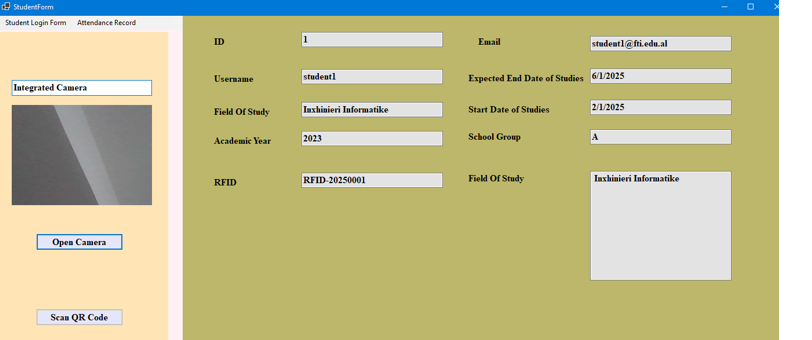
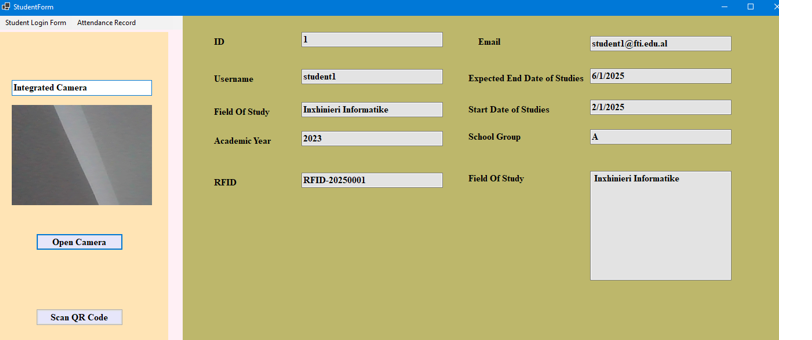
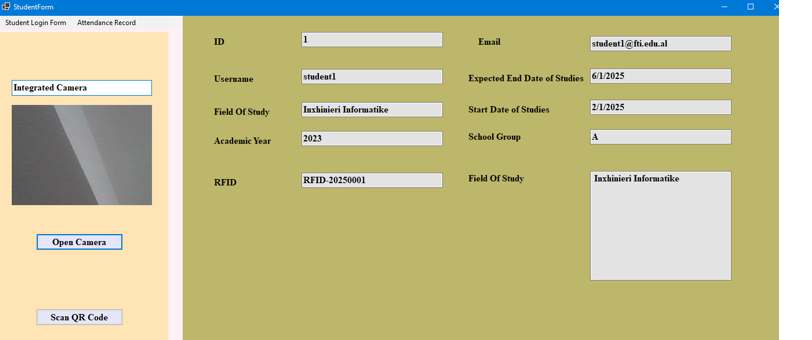
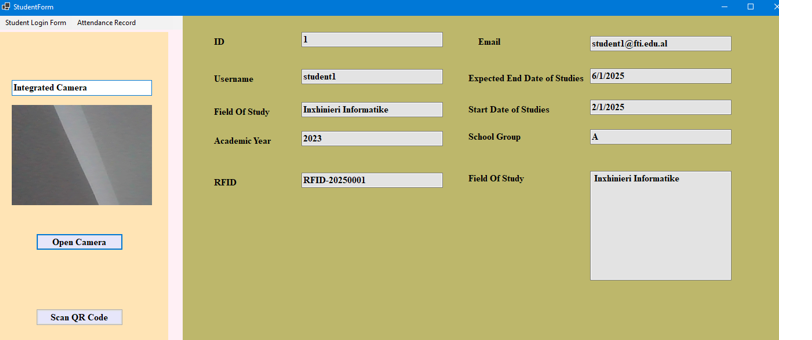
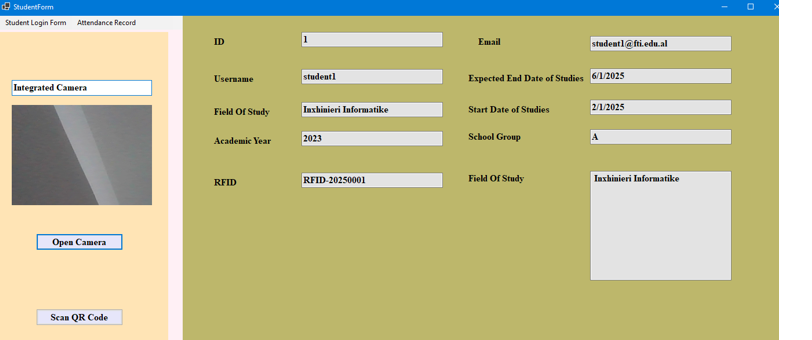
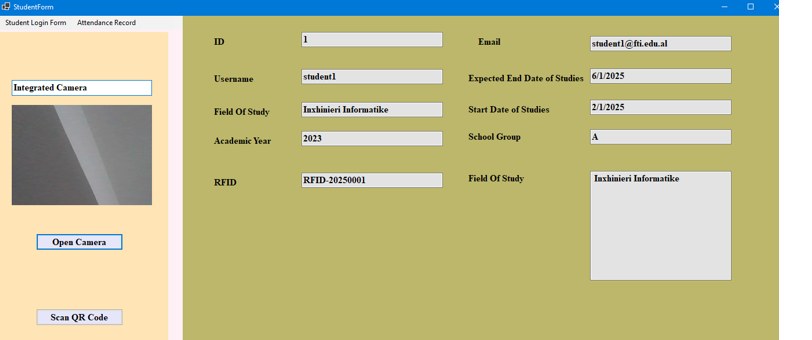
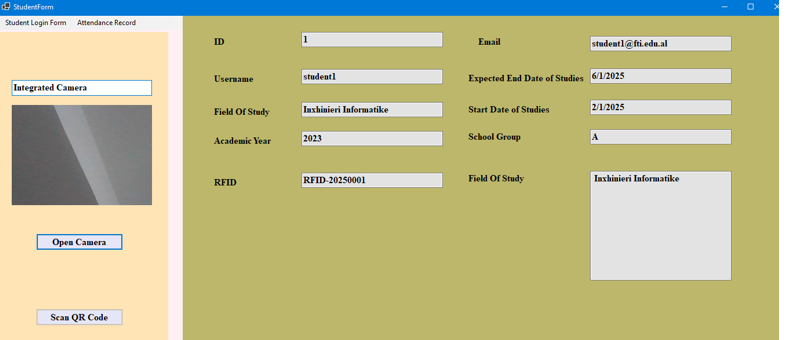
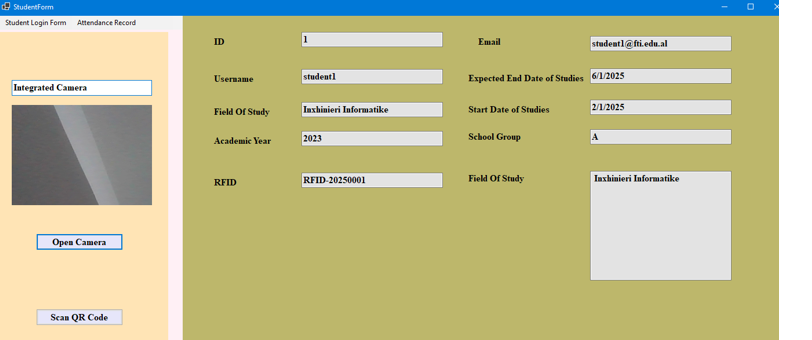
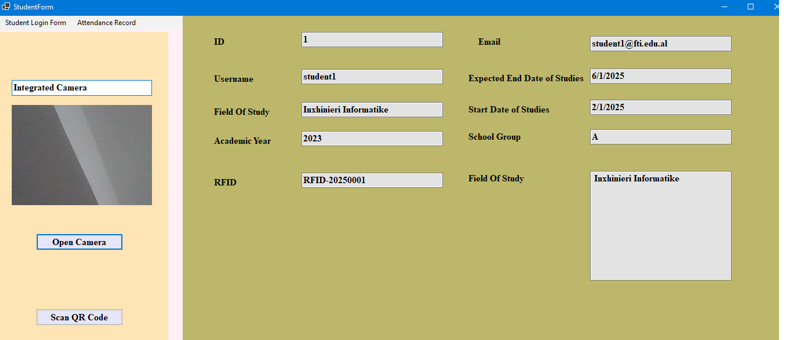
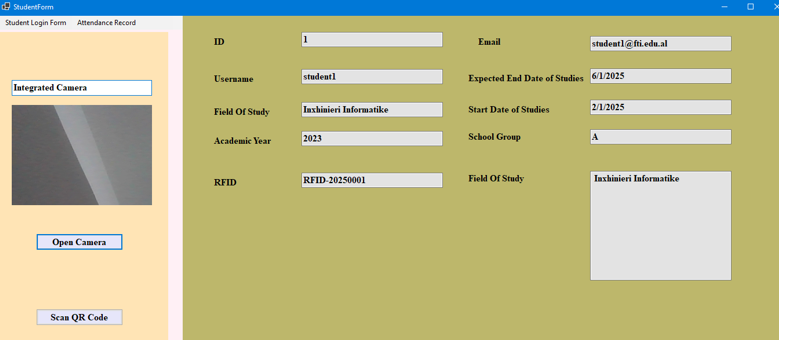
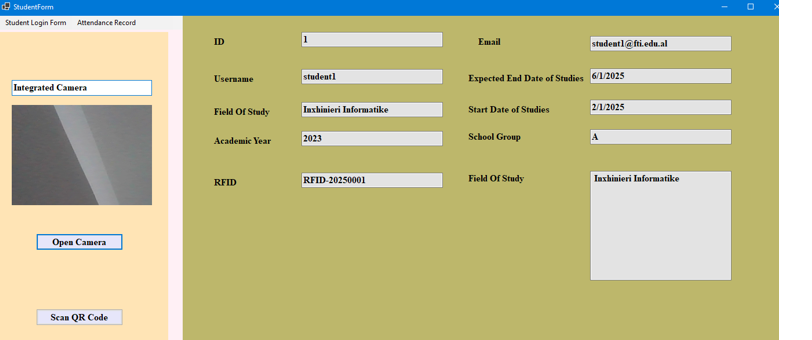
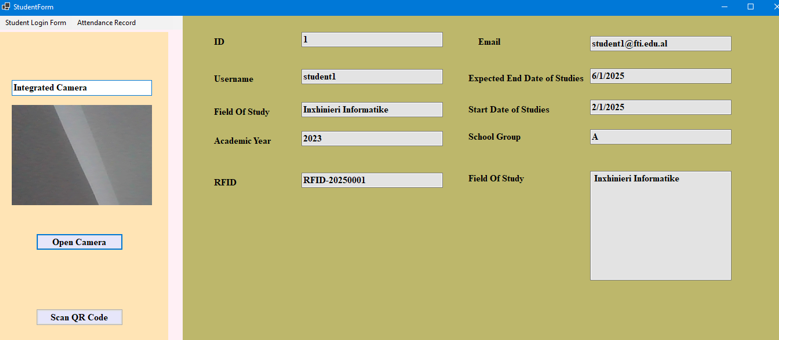
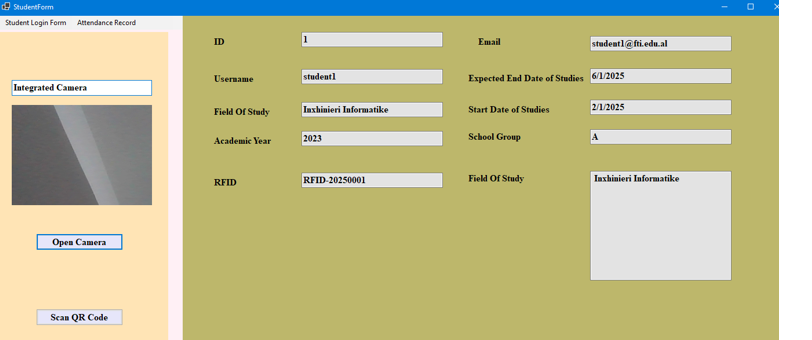
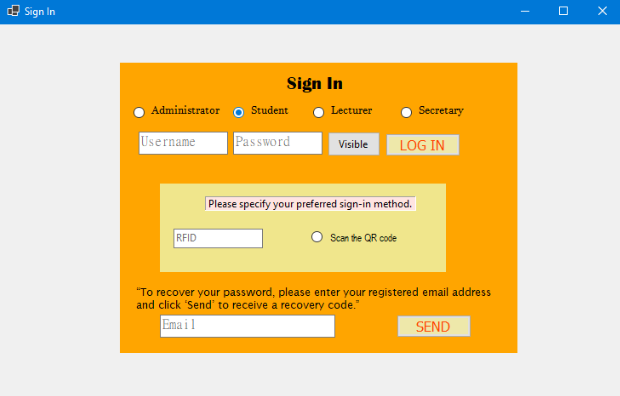
Students can identify themselves with either an RFID card read or a QR code scan, rather than committing to RFID alone. RFID readers are reliable but add a hardware dependency; QR codes need only a camera, which is already built into the login screen. Supporting both meant the system kept working even in situations (testing, demos, a student without their card) where the physical RFID reader wasn't practical, while still delivering the "tap and go" experience RFID is meant for once hardware is in place.
Role-based panels: Administrator, Secretary, Lecturer, Student
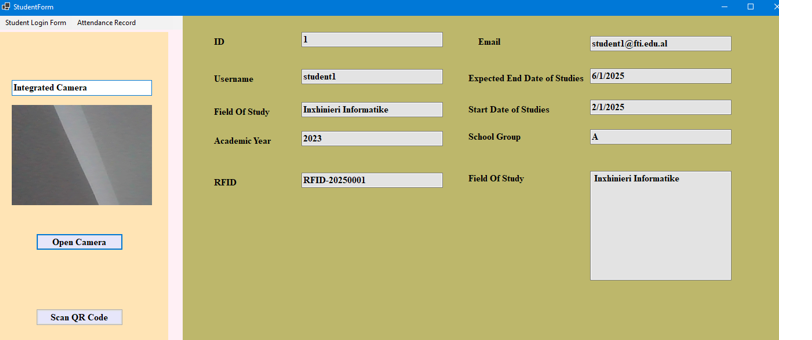
The system is modeled around four distinct roles, each with its own panel and permissions, rather than a single generic dashboard. This mirrors how the actual academic workflow is divided in practice: the administrator manages secretary and lecturer accounts and departments, the secretary registers students and issues their RFID/QR credentials, the lecturer records attendance and pulls reports, and the student only ever sees their own profile and history. Splitting it this way kept each screen focused on what that person actually needs to do, and made permissions straightforward to reason about.
Business rules pushed into stored procedures
The absence-threshold alert and the password-recovery flow live in
stored procedures in the database
(SendMessageIfNumberOfAbsenceTOOHigh,
ChangePassword) rather than being handled purely in
application code. That kept the trigger conditions tied directly
to the data they depend on (attendance counts, registered email),
and it meant the alert fired reliably regardless of which part of
the UI the student was in when their record crossed the 20% mark.
Project Information
- Category: Desktop Application (C#, .NET)
- Type: Personal project
- Role: Solo developer
- Timeline: September 2025
Project Screenshots